

GageWay Interfaces
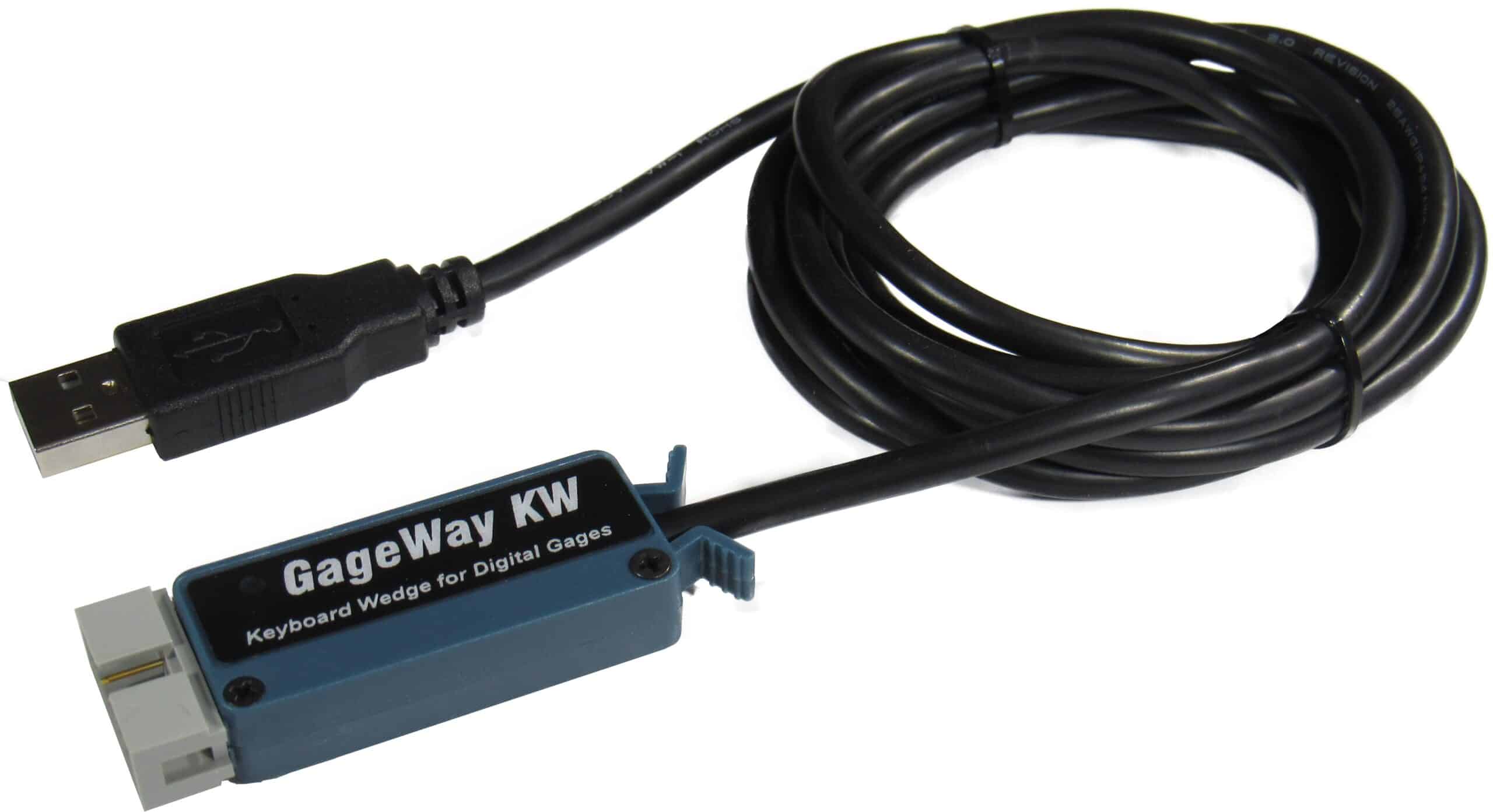
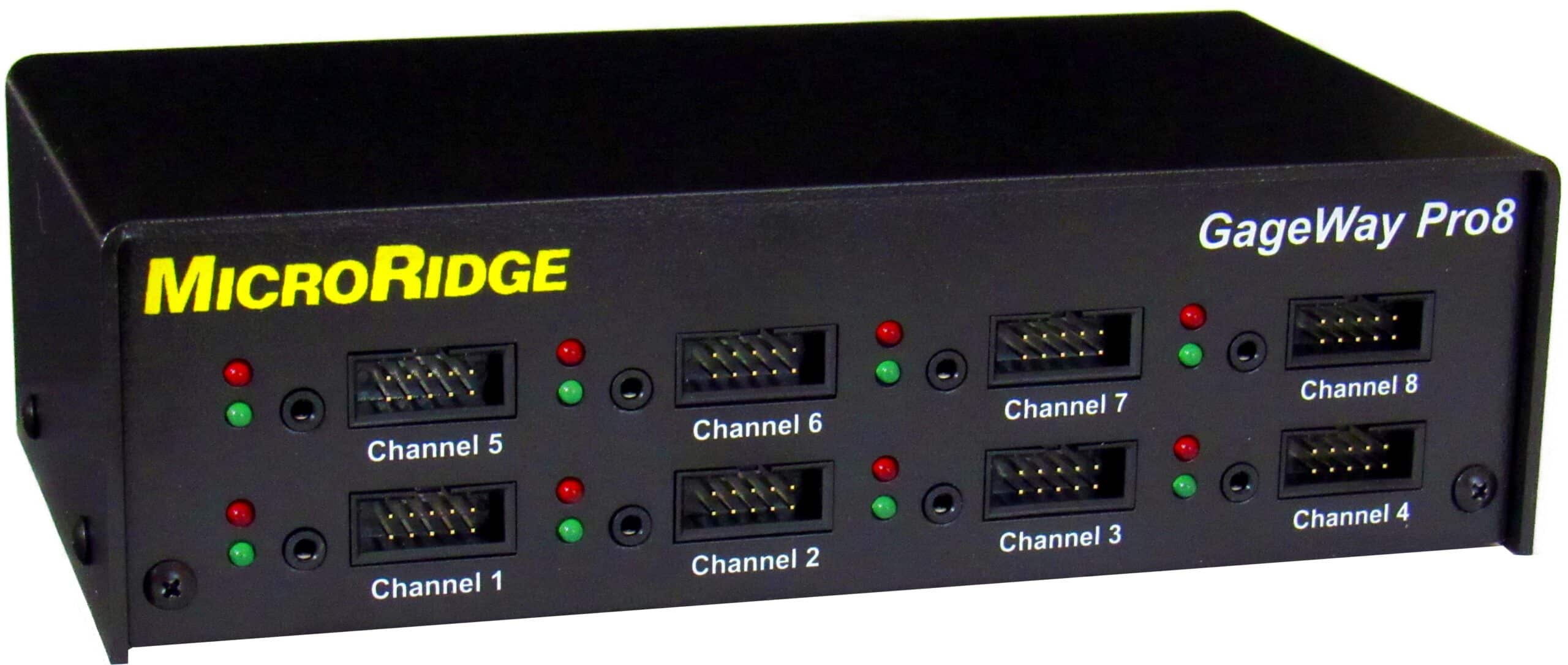
GageWay interfaces connect one or more digital gages and serial devices to a computer port via USB serial, USB keyboard wedge, or RS-232. GageWay interfaces can transfer gage data into any Windows program or SPC/data acquisition software, and are an excellent option for situations where gage mobility is not a requirement.
GageWay interfaces support a wide range of digital gages and serial devices from manufacturers including Mitutoyo, Mahr Federal, Ono Sokki, Fowler, INSIZE, Starrett, Sylvac, Ohaus, Mettler Toledo, etc.
Find the Right Interface for You
To ensure that you are selecting the proper GageWay interface, we have put together the following comparison table to assist you in comparing our full GageWay family of interfaces.
GageWay Interface Solution
| Family | Model | Inputs | Gage Input Type | Power Supply | Outputs | Software |
| Single Gage Interfaces | GageWay SM-U | 1 | Mitutoyo gage or gage with Mitutoyo compatible output. | USB Serial Port | USB Serial Port | ComTestSerial |
| GageWay SM-R | DB9 Serial Port | |||||
| GageWay KW | Digital | USB Port | USB Keyboard Wedge | N/A | ||
| Pro Interfaces | GageWay Pro2 |
21 |
Digital & RS-232, Front Panel with AutoBaud2 Connect via LC Cable Direct connect to Multifunction Serial Port |
USB Serial Port |
- USB KeyBoard Wedge - USB Serial Port - DB9 Serial Port |
|
| GageWay Pro4 |
41 |
|||||
| GageWay Pro8 |
81 |
|||||
|
1 Includes RS-232 Multifunction Serial Port for additional RS-232 input or for chaining interfaces. |
||||||

About Digital Gages
Digital gages refers to gages that have a special type of non-RS-232 output. Digital gages are very common and are available from manufacturers such as Mitutoyo, CDI, Ono Sokki, Mahr Federal, INSIZE, Starrett, etc.
The advantage of the digital gage output is that the gage can be plugged directly into a GageWay interface without an LC Cable. There are no baud rate or communication parameters settings required for a digital gage.
About RS-232 Devices
RS-232 devices are supported on the GageWay Pro interfaces and require that proper baud rate and communication parameters be set in the interface, The AutoBaud feature available on the front panel connectors can automatically determine the proper RS-232 settings.